

Digital Invitationlaunch price US$19 (US$29)
An invitation that findsits way to every heart
your love story, on one little page ✿
- Free until you publish
- Parents’ view included
- Guests join in
 Twelve little stories
Choose the storythat feels most like you two
Every design is a real, working invitation. Tap one to see its scenes and guestbook, then open the full sample.
- Spring LetterA guestbook signed in pen
- The Red ThreadTie a little knot onto the red thread
- Butter CreamSticky notes that fly in and stick
- LovebirdNotes sent as paper planes
- Wish CandleWishes that turn into stars
- Sweet DayGuests add strawberries, candles and flowers
- Forest FriendsPick an animal and take a seat in the forest
- Up We GoBalloons that rise into the night sky
- Soda PopA note left on a coaster
- SunshowerA sunny garden where daisies grow
- Our WaltzNotes written on the staff
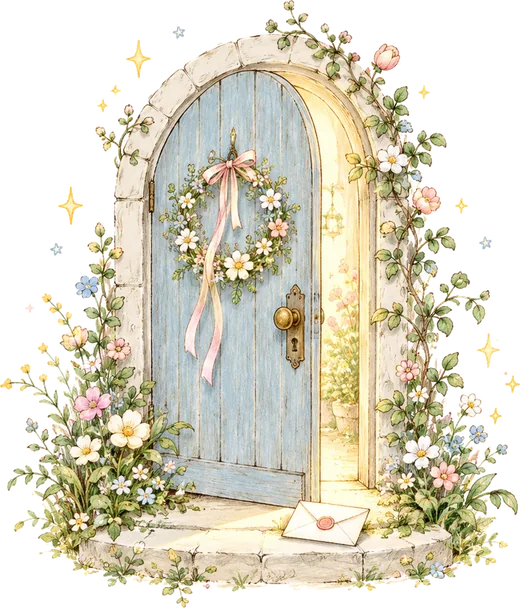
- The Garden DoorGuests tie ribbons on the rose arch
For everyone
Opens just right for whoever’s reading
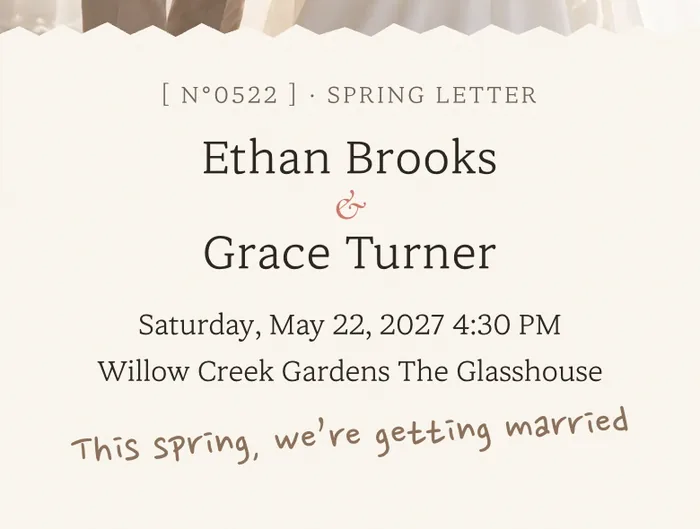 for friendsYour names up front
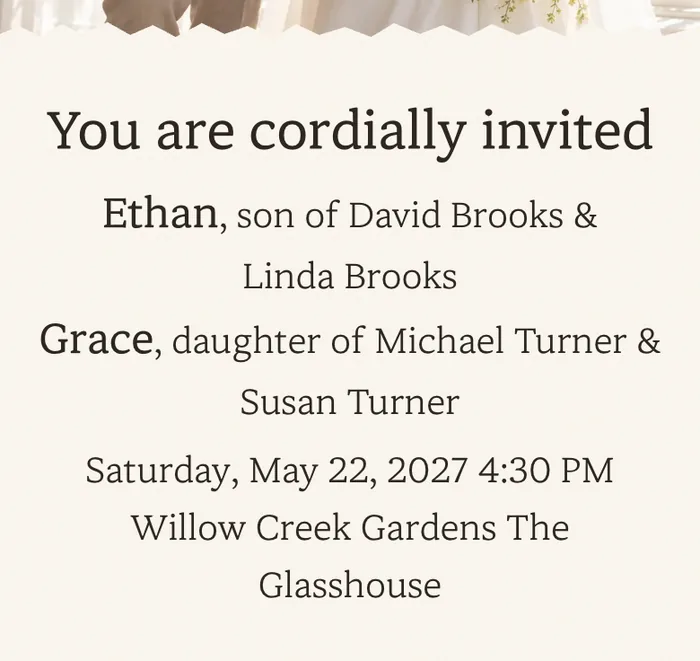 for your parents’ guestsParents’ names firstBigger, easier type
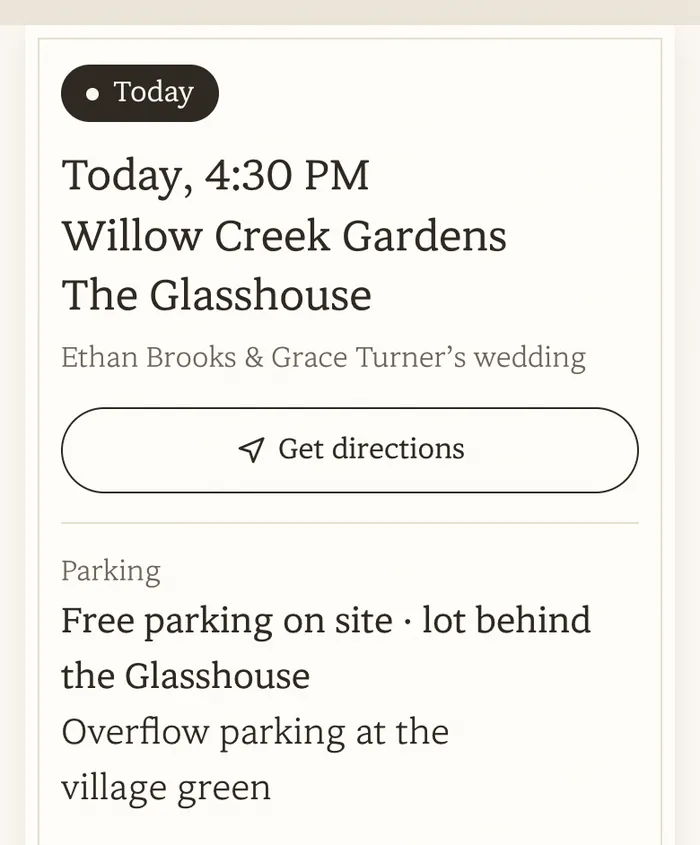 on the wedding morningTime, venue & parking up top
You only make one invitation.Friends see the design you chose; your parents’ guests get larger, easy-to-read type.
Three little steps
Done in three little steps
Pick a design
Choose the one you love from 12 designs. You can switch any time while you edit.
Add your photos and story
Fill it in comfortably, even on your phone. Everything you write stays put if you change designs.
Share the link
Send it in any messaging app. You can keep editing even after it’s sent.
 1
 2
 3
Questions
Questions, answered
Anything else on your mind? Send us an email. We’re happy to help.
Can I make it on my phone?
Yes. You can create and edit on your phone or computer. The finished invitation is designed for phone screens, which is where most guests will open it.
Can I change the design after I start?
Of course. Switch designs any time while you’re editing. Everything you’ve written and every photo you’ve added stays in place.
Can I edit it after sending?
Yes. Edit as often as you like, even after the link is out. Changes show up instantly at the same link.
Do I need a separate invitation for our parents’ guests?
No. Every invitation comes with a parents’ view built in. It opens in larger type with your parents’ names first, so older relatives can read it comfortably. Just share that link with them.
What if some guests find the text too small?
There’s a text-size button in the lower corner of every invitation. Guests can choose Regular, Large or Extra Large, and their phone remembers the choice.
Is there a limit on guests?
No. Share the link with as many people as you like.
Who can see the guestbook?
Each guest chooses “Just the couple” or “Public”. Only public notes appear on the invitation, and you can read and remove every note from your editor. Designs that guests decorate together, like Sweet Day, start with “Public” selected.
Can guests RSVP from the invitation?
Yes. Turn on RSVP and guests can reply right from the invitation. Every response shows up in your editor, where you can see the totals and copy the full guest list.
How will guests find the venue?
Your invitation shows the venue name and address with a button that opens directions in Google Maps.
Will there be ads on my invitation?
No. Your invitation carries no ad banners, just your story.

Open the first pageof your story
Pick a design, add your photos and story, and you’re done.
Create your invitation